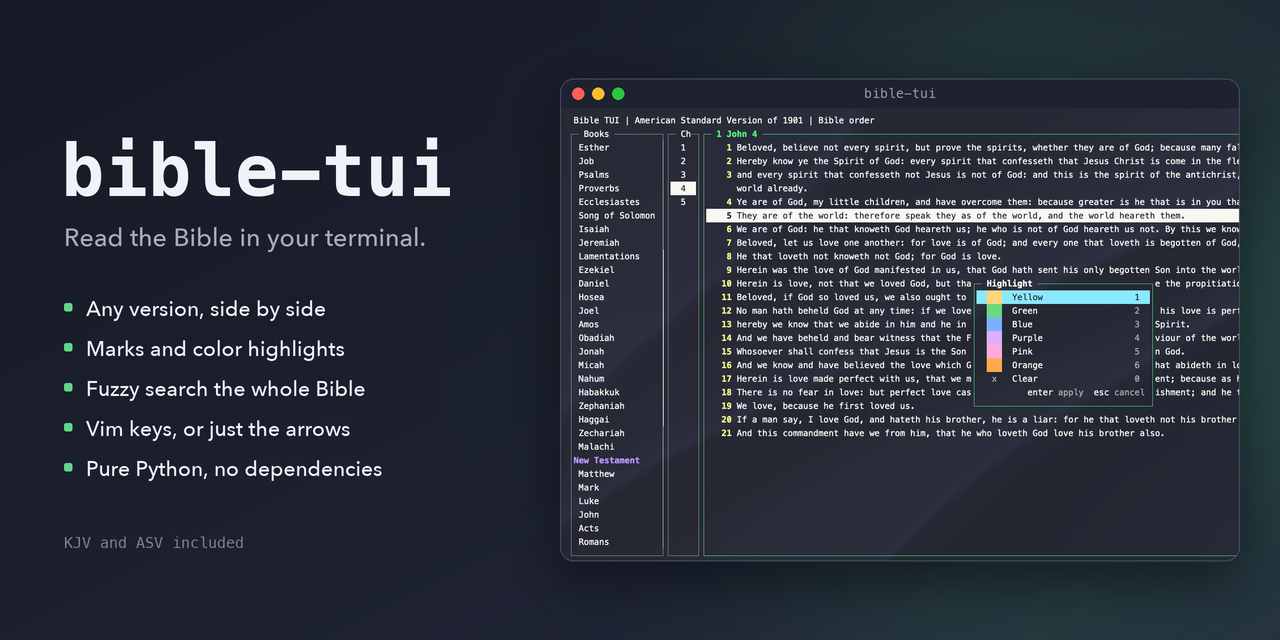
I Created a Terminal Bible Reader App with Vim-Inspired Keybindings
I spend most of my day in a terminal, so I built a Bible reader that lives there too. bible-tui is a fast, dependency-free Python app with Vim-style keys, fuzzy searching across the whole Bible, side-by-side versions, and highlights and bookmarks that live on your machine. It's free and open source.
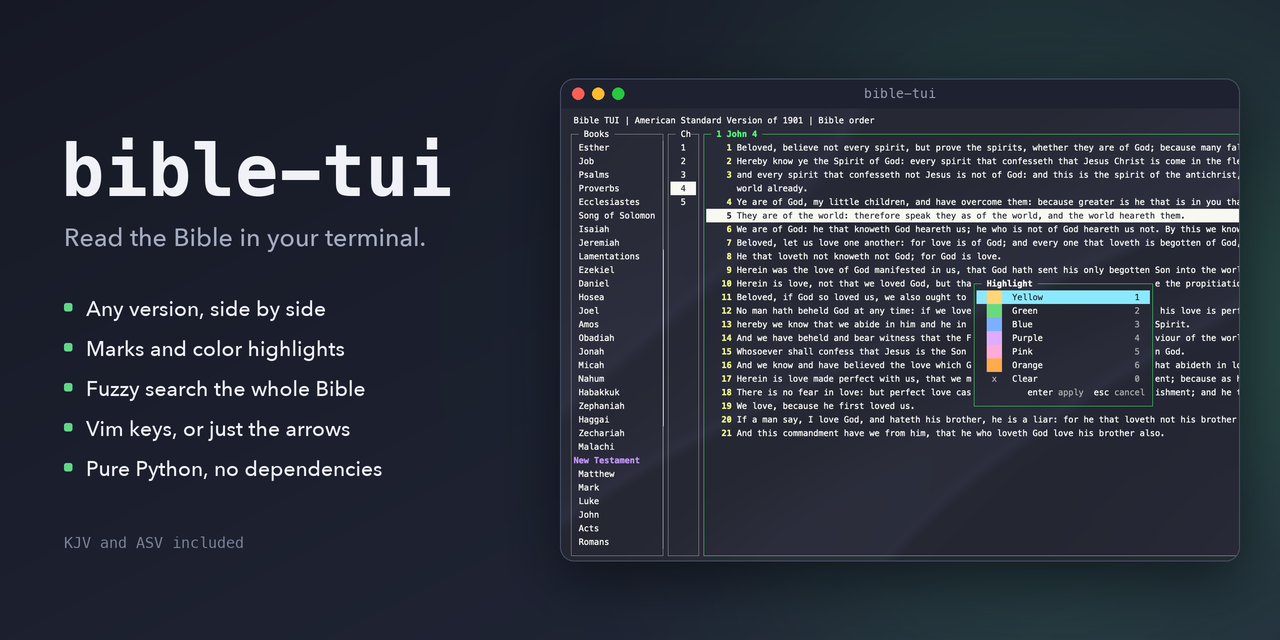
If you're like me, your terminal is open from the moment you sit down until the moment you shut the laptop. Editor, git, SSH sessions, a dozen tmux panes... It's home. So I started wondering: why do I have to leave home to read my Bible?
I looked around for a good terminal Bible reader and didn't find one that felt right. So, being a developer, I did the only reasonable thing. I built one. 😀
Meet bible-tui: a fast, dependency-free terminal Bible reader with Vim-inspired keybindings.
0:00
/1:01
What Is It?
bible-tui is a full-screen terminal app (a TUI) written in pure Python. No dependencies, no Electron, no account, no internet connection needed to read. Just python3 and the curses library that ships with it.
The screen is split into three panes: books, chapters, and the text. Move around with the arrow keys, or with h j k l if your fingers are already trained that way.
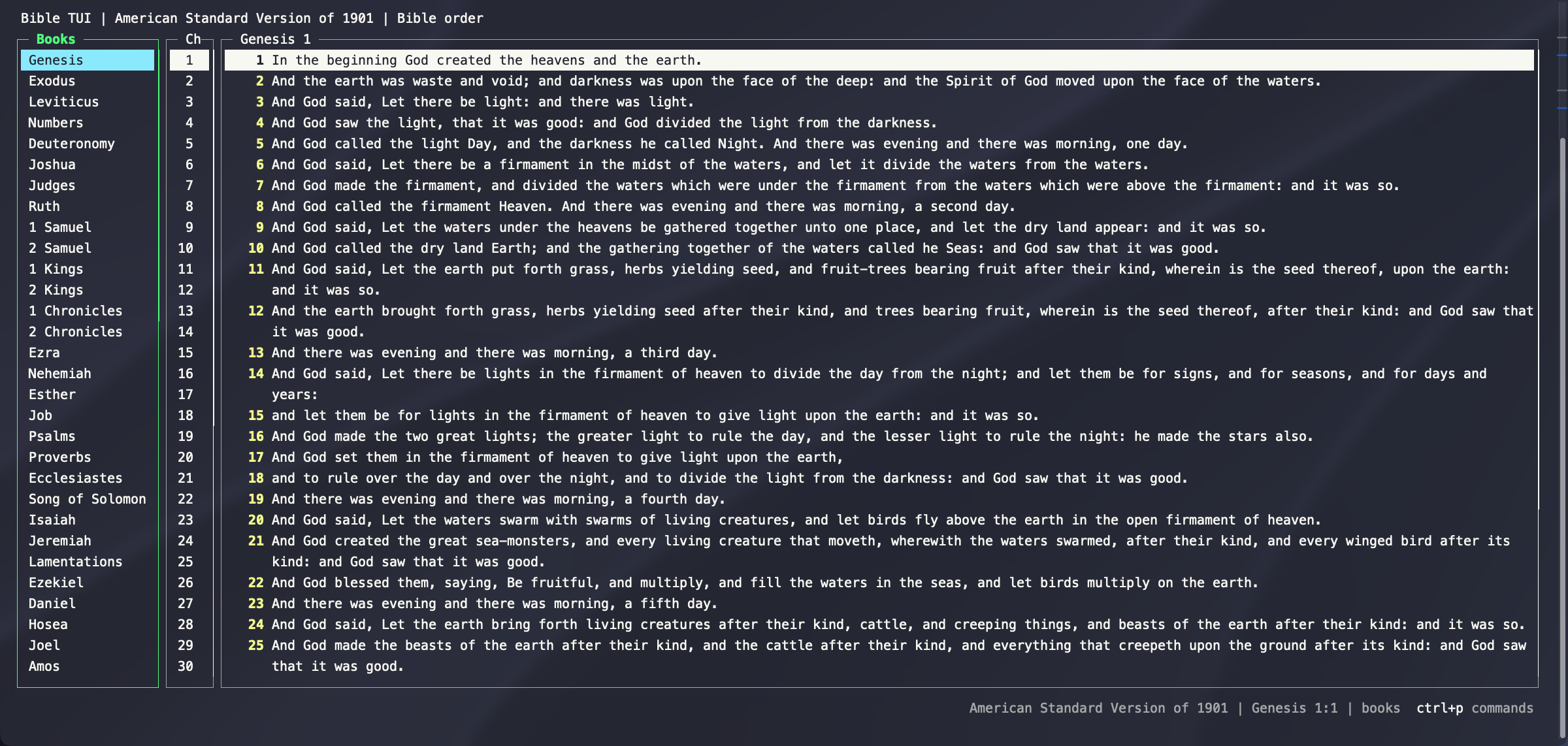
The King James Version and the American Standard Version are included, so it works the moment you install it.
Vim Keys, But Not Required
This is the part I'm most excited about. If you know Vim, you'll feel right at home:
j/kto move,gg/Gto jump to the top or bottom]/[to go to the next or previous chapter (it reads straight through from book to book)/to search, thenn/Nto step through matchesv/Vfor visual mode, andyyto copy (yank) a verse:for a command line, so:John 3:16takes you right therectrl+w vto split the screen
But here's the thing: you don't need to know Vim to use it. Every single action also works with the arrow keys, Tab, Enter, and Esc. Vim keys are extra shortcuts, never the only way. If you forget a key, ctrl+p opens a list of every command.
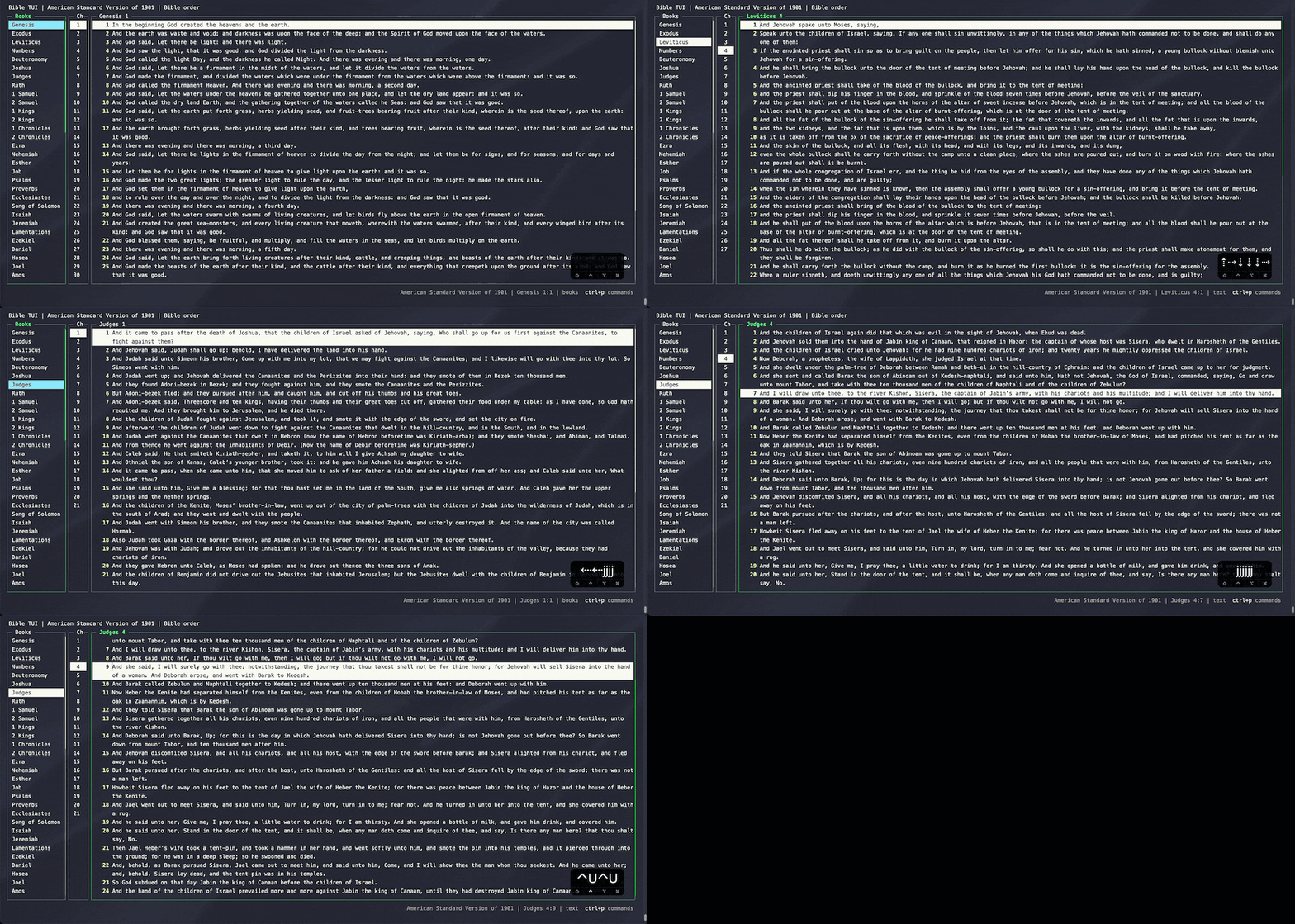
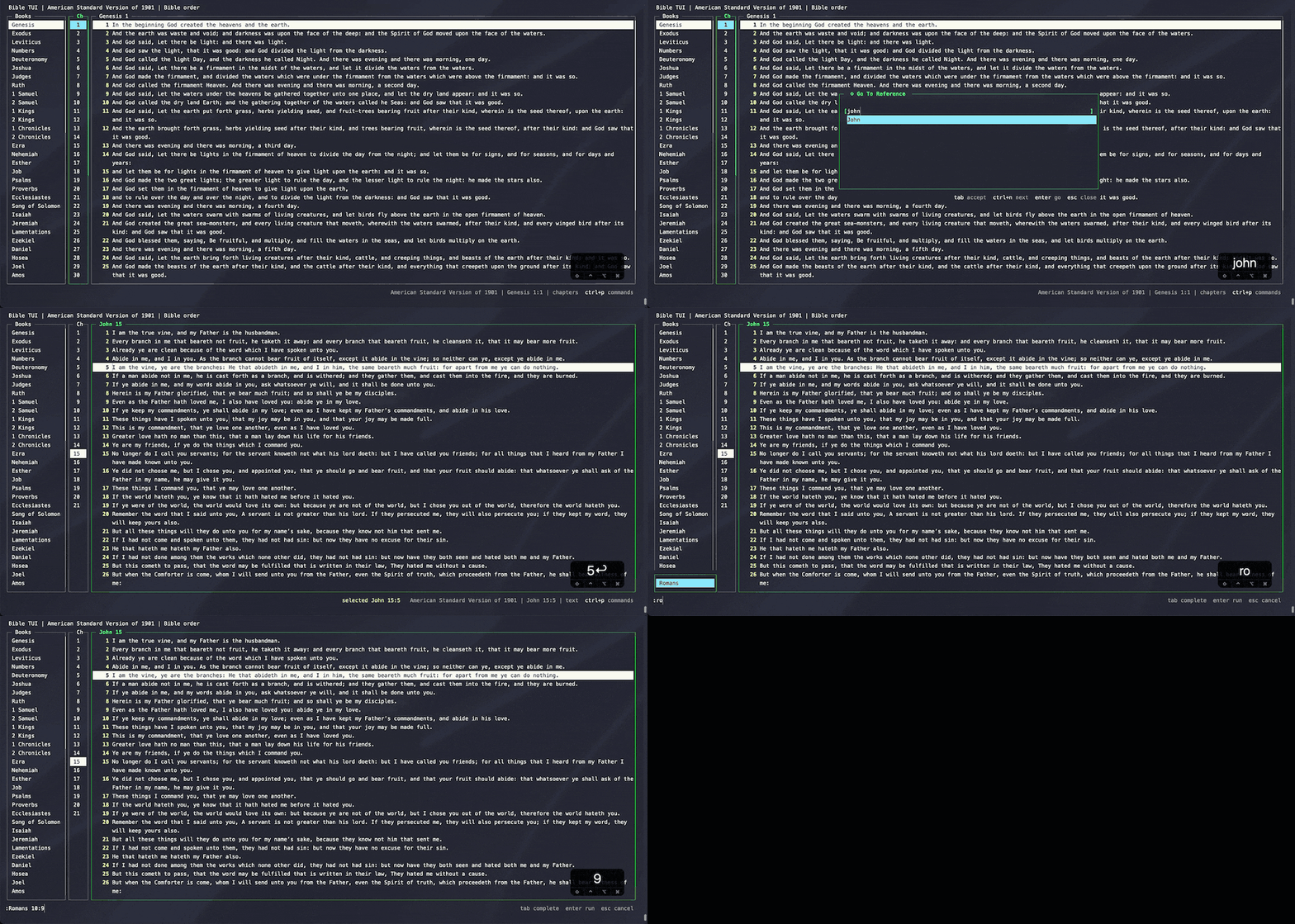
Jump to Any Verse
Press ctrl+g (or type : on the command line) and start typing a reference like John 3:16. Autocomplete suggests books, chapters, and verses as you type, and Tab accepts the suggestion.
Fuzzy-Find the Whole Bible
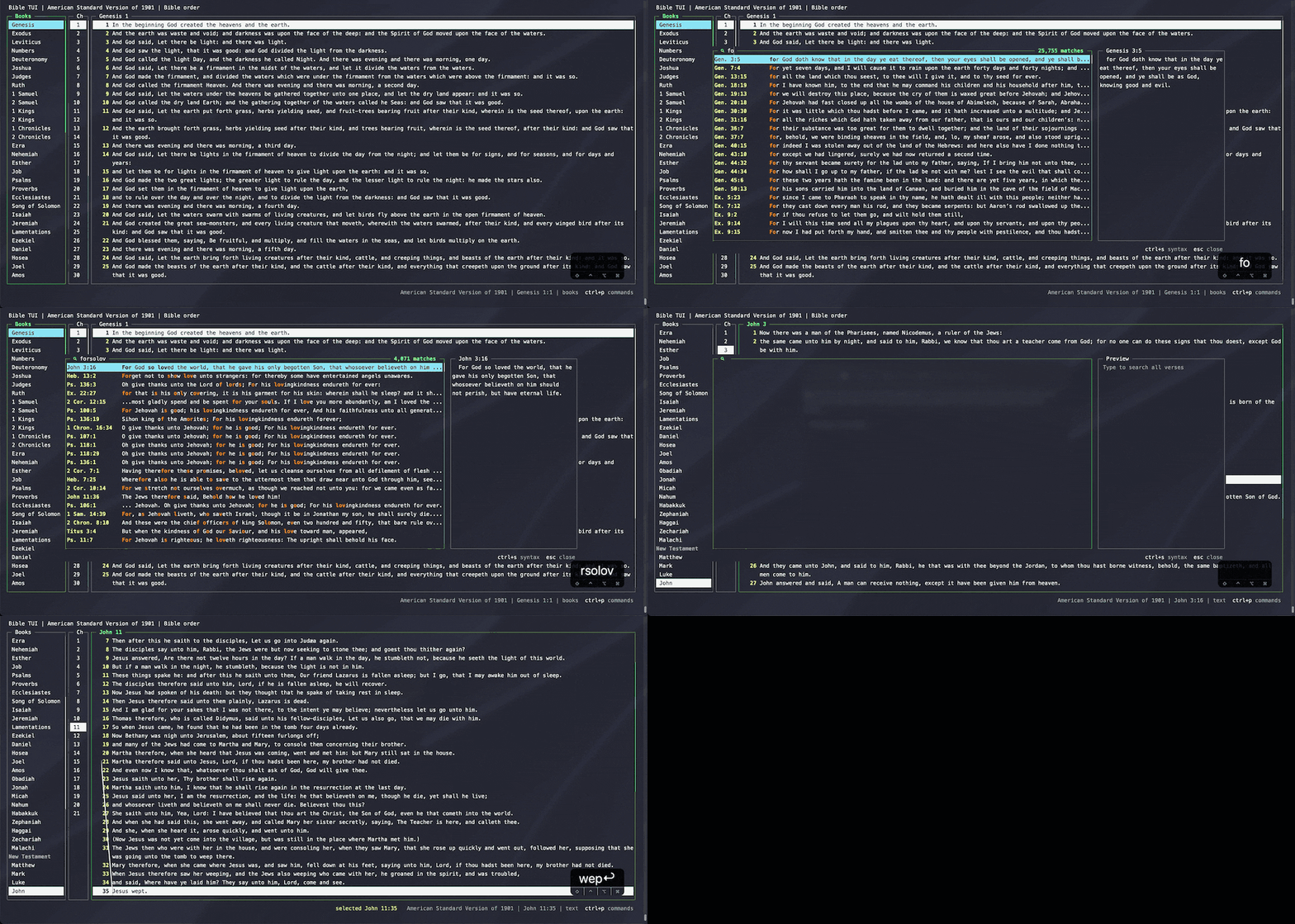
Press ctrl+s and you get a full-Bible fuzzy finder, with a live preview of each match. If you've used fzf, you know the feel. And no, it doesn't shell out to fzf. It's all built in.
Remember half a verse and nothing else? Just start typing.
Compare Versions Side by Side
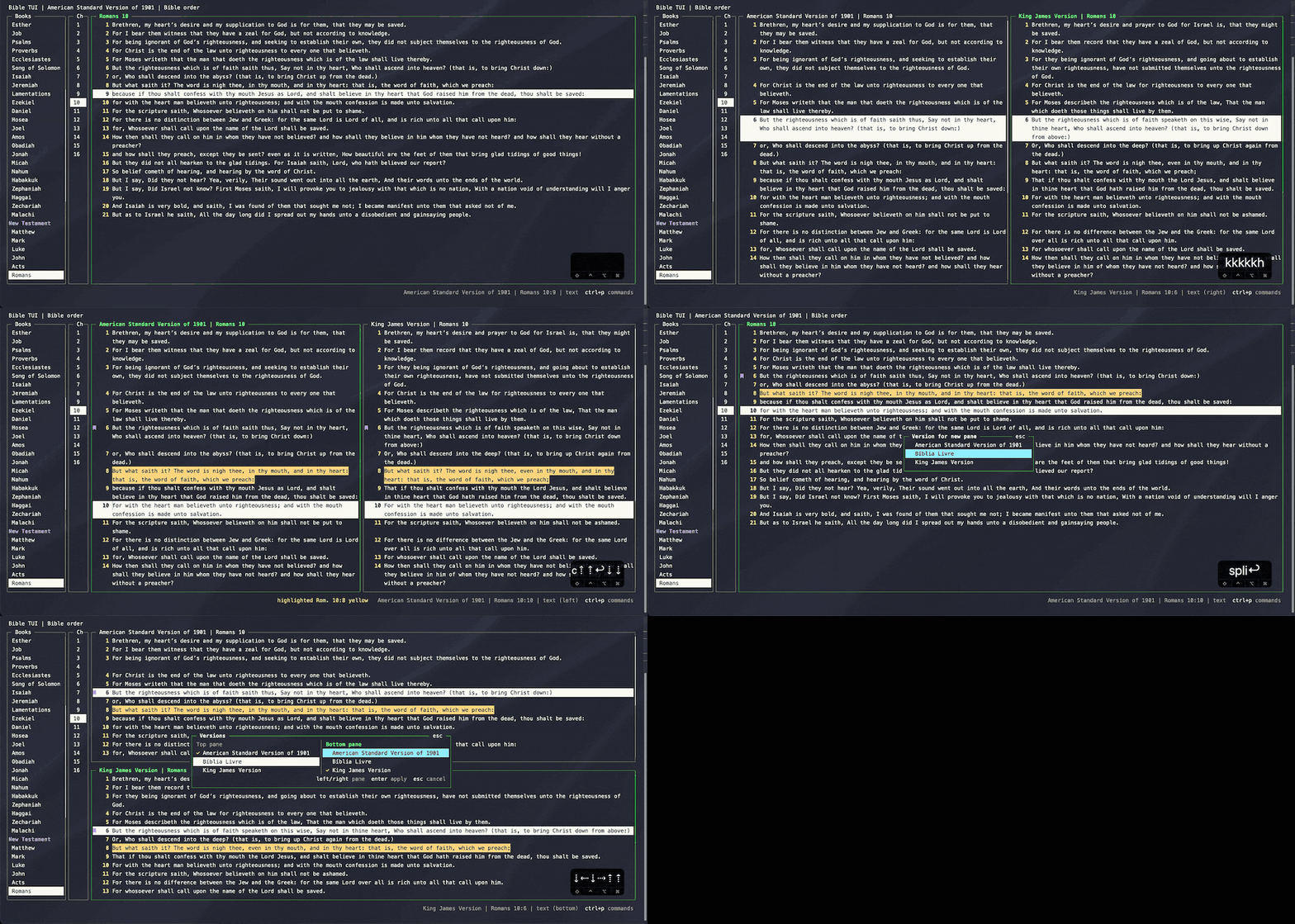
Hit ctrl+w v and you get two versions side by side, with the verses lined up. When one version leaves out a verse the other has, the rows still line up so you never lose your place. Press t any time to switch versions, and you stay right where you were.
Highlights and Marks
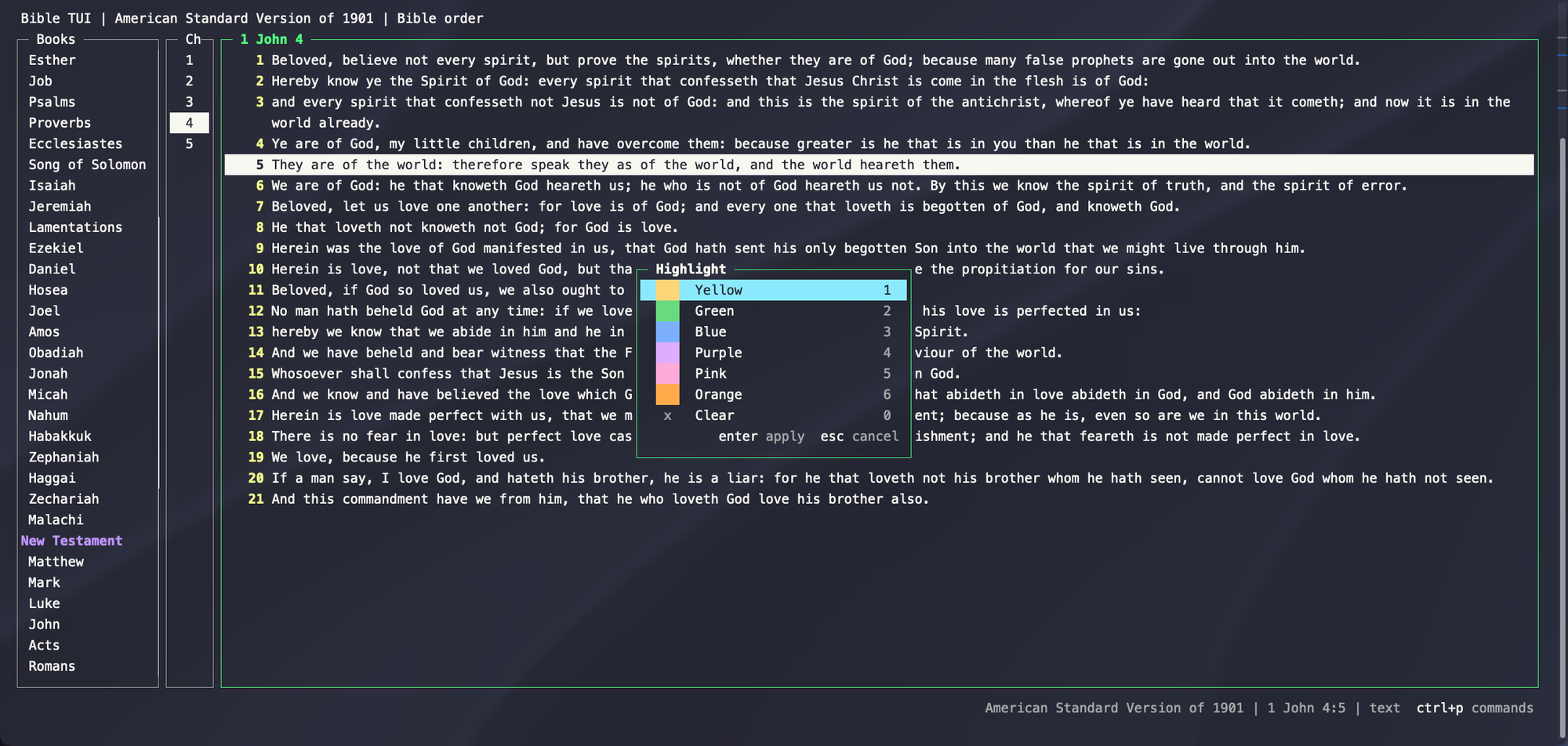
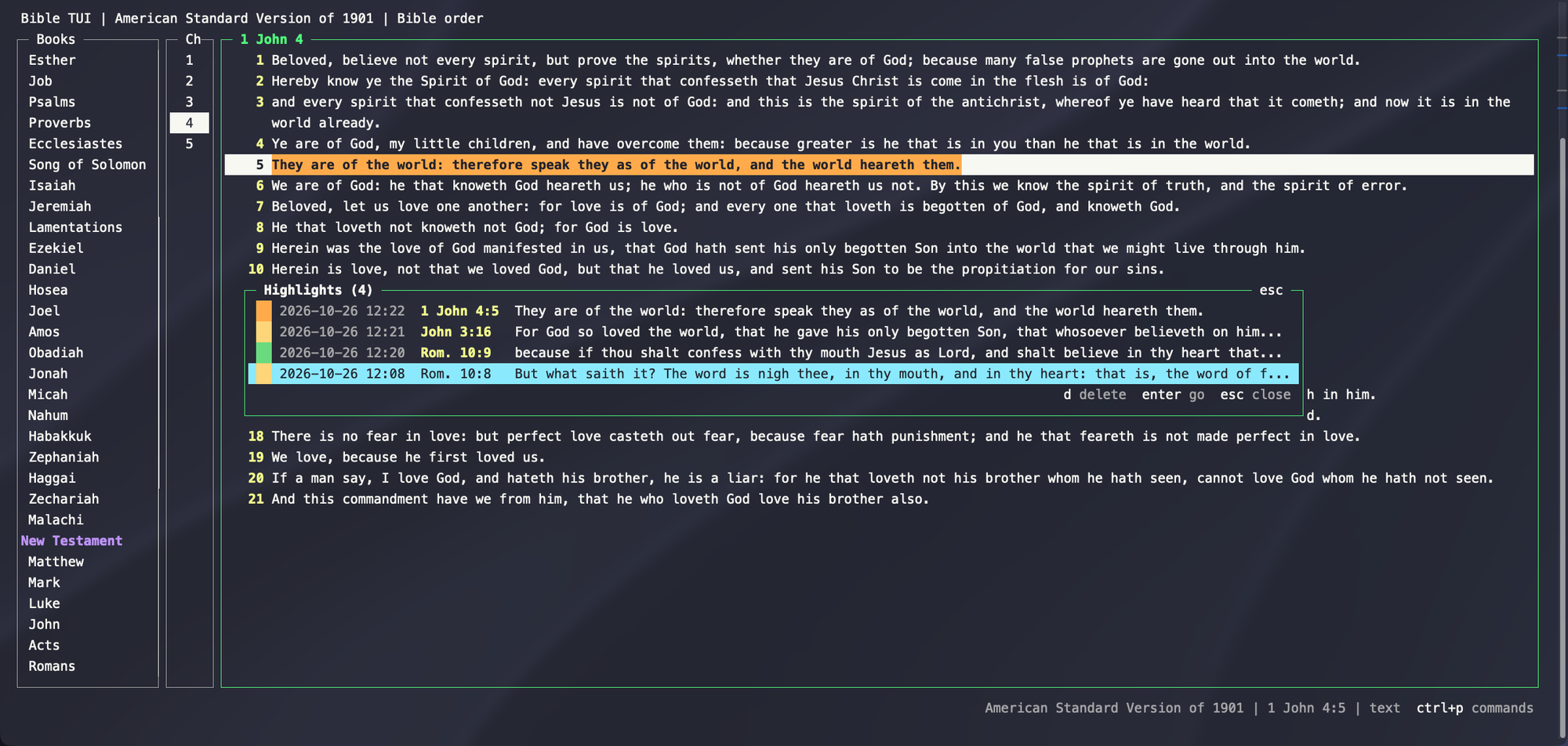
Press c to highlight a verse (or a whole visual selection) in one of six colors. Press m to bookmark a verse. Both get their own list, so you can jump back to anything you've saved. Your highlights and marks follow you across every version, too.
Copy Verses With the Reference
yy copies the current verse to your clipboard. Select a range with v and press y to copy a whole passage. You can even set a template in your config so every copy includes the reference, which is handy when you're dropping a verse into a text, a slide, or (ahem) a blog post.
Bring Any Bible You Want
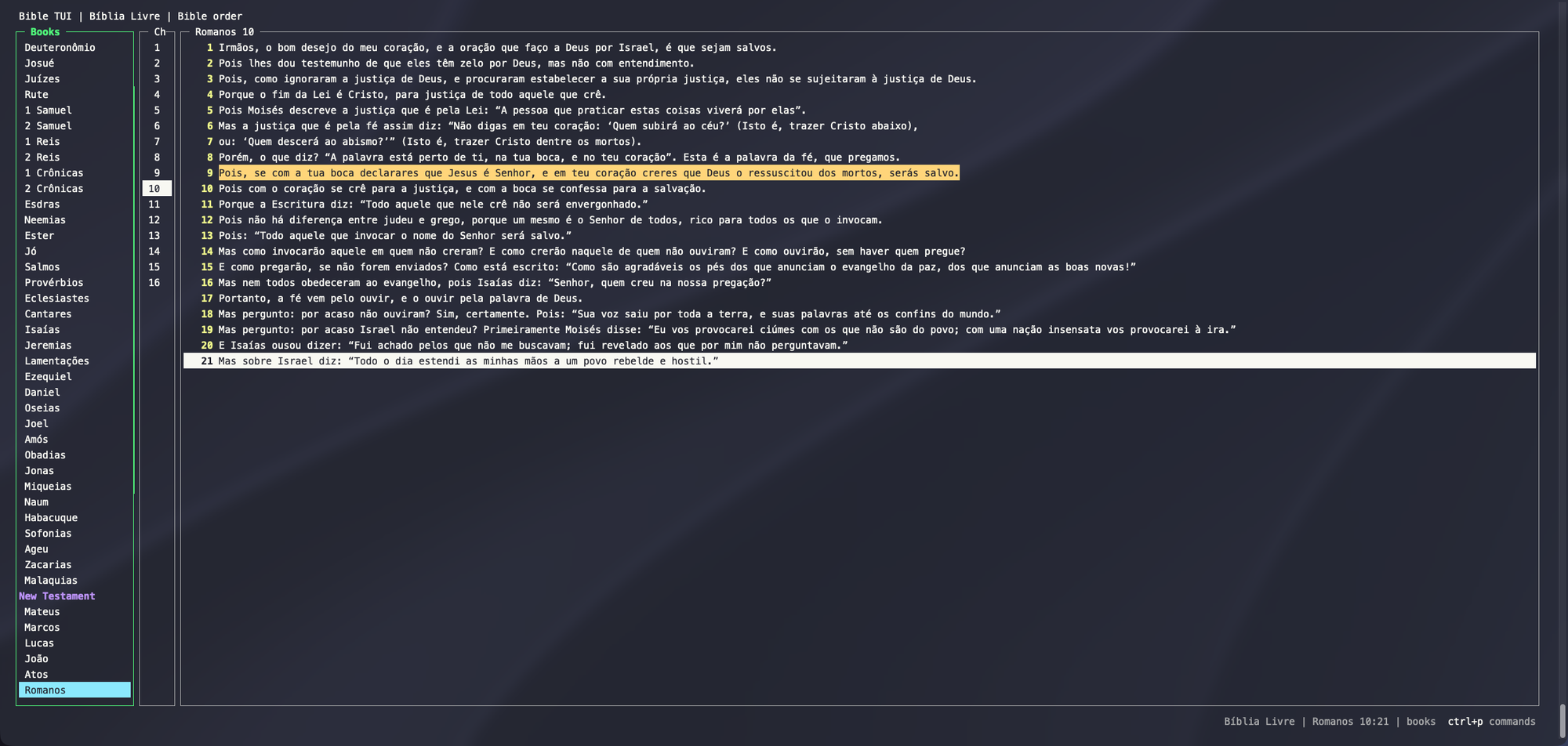
bible-tui doesn't depend on any one translation. Each version is a single SQLite file. Drop one in your Bibles folder and it shows up in the version picker. It works in any language, too.
I also built a companion tool, bible-tui-bible-converter, that turns published Bible files (USFM, USX, OSIS, and more) into databases bible-tui can read.
Your Data Is Just Files
Settings, marks, and highlights are plain JSON files in one folder. Back them up, sync them, or keep them in your dotfiles. No cloud, no lock-in.
How to Install It
You'll need Python 3.9 or newer on macOS or Linux. The easiest way is with pipx:
pipx install bible-tui
bible-tui
That's it. bible-tui checks for new releases once a day and lets you know in the footer. Type :update and it upgrades itself and reopens right where you left off.
What's Next
I've got a roadmap with custom themes, custom key bindings, and translations of the app itself. Translations are where I'd really love some help from the community. If you speak another language and want to help, please reach out on GitHub.
Check It Out on GitHub ⭐
bible-tui is free and open source (MIT). If you think it's cool, the best way to support it is to give it a star on GitHub. It really helps other people find the project. And if you run into a bug or have an idea, open an issue. I'd love to hear from you.
I'd love to hear what you think in the comments below. What other terminal tools can't you live without? Thanks for reading!
GitHub - codysechelski/bible-tui: A fast, dependency-free terminal Bible reader with Vim-style keys, full-Bible fuzzy search, side-by-side version comparison, marks, and highlights. Ships with the KJV and ASV.
A fast, dependency-free terminal Bible reader with Vim-style keys, full-Bible fuzzy search, side-by-side version comparison, marks, and highlights. Ships with the KJV and ASV. - codysechelski/bible…